
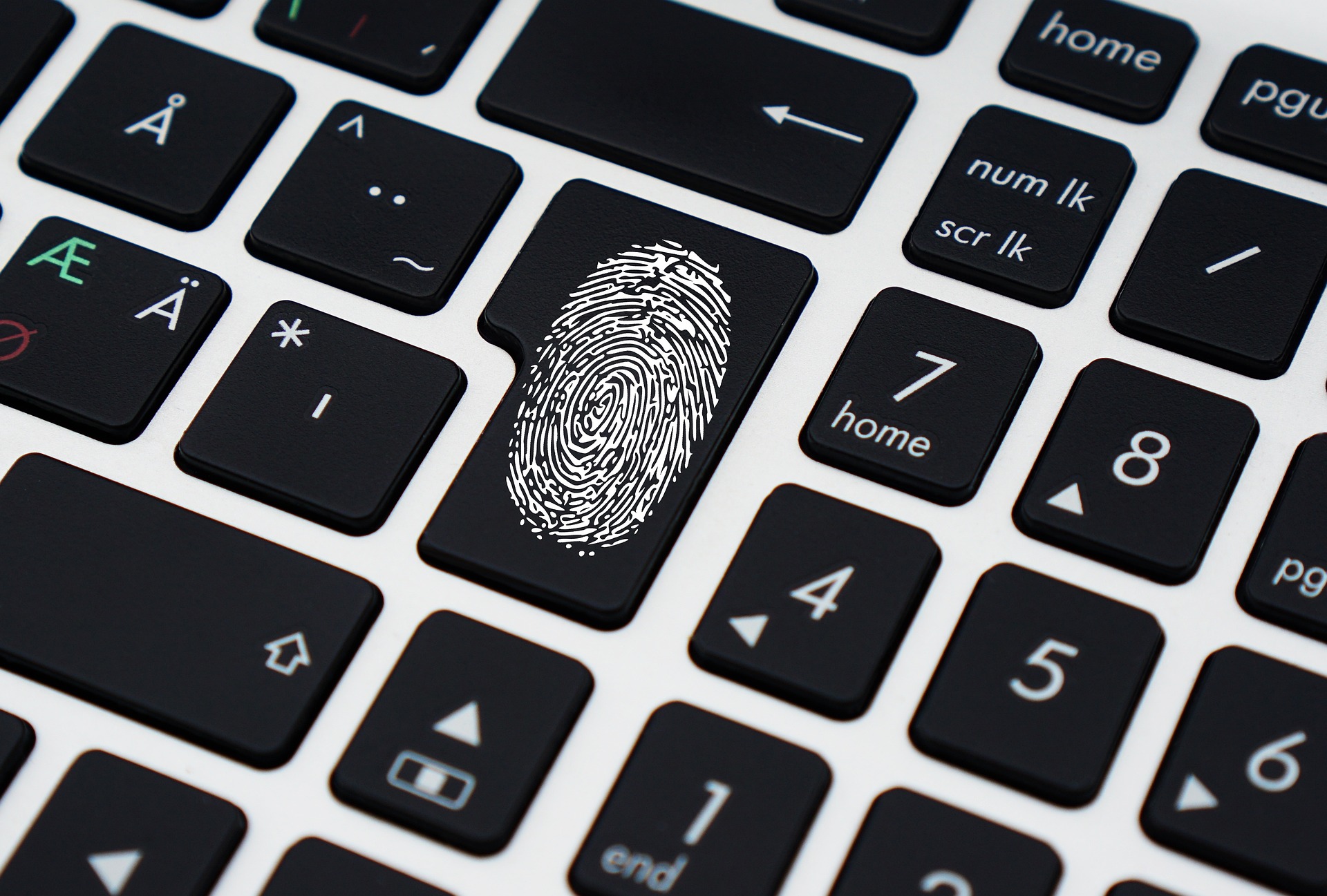
A familiar travel-day problem goes like this. You open a website on your phone, it asks for a password you haven’t typed in months, and suddenly you are standing near an airport charging point trying to remember whether you added an exclamation mark or a year to the end of it.
Then comes the reset email. Then the one-time code. Then the website decides the new password cannot resemble the old password, even though you no longer remember the old password.
We have tolerated this nonsense for far too long.
Passkeys are finally making the password look optional. Not everywhere, and not cleanly yet. But enough major services support them now that this is no longer a security conference idea. It is becoming a normal login choice.
Your face is not being sent to the website
The first thing people misunderstand about passkeys is the fingerprint or face scan.
When a site asks you to sign in with Face ID, a fingerprint or your device PIN, it can feel as though the website is receiving biometric information. It isn’t. Your device is using its normal unlock mechanism to approve a cryptographic credential stored for that account.
That difference matters.
The website gets proof that the right credential was used. It does not get a copy of your face. There is no memorable password for a scammer to trick out of you, and the credential is tied to the real website rather than a convincing copy of it.
This is why I think passkeys are more interesting than most password advice. They don’t ask humans to become unusually disciplined. They remove some of the things humans are predictably bad at.
Phishing gets a lot less convenient
Passwords are portable, which sounds useful until someone steals one.
You can type a password into the correct banking page or into a fake page that arrived through an urgent email. The text itself does not know the difference.
Passkeys are designed around the site or app they belong to. A fake login page cannot simply collect the secret and replay it later in the same way. That doesn’t make every scam disappear. Someone can still trick you into approving a payment, installing software or handing over other information.
But one of phishing’s favourite shortcuts becomes much harder.
Security improvements are often sold as extra effort: longer passwords, more codes, more prompts. Passkeys are unusual because the safer option can also be the less annoying one.
The messy part is moving between devices
Of course there is a catch. There is always a catch once technology leaves the demo.
People own several devices. They change phones. They use a work laptop and a personal laptop. Some families share a tablet. Some people move between Apple, Android and Windows rather than staying inside one neat ecosystem.
Passkeys can sync through password managers and platform accounts, and the industry has been improving ways to move them between providers. Still, recovery is the part I would test before declaring passwords dead.
What happens when your phone is lost? Can you sign in from a new computer? Does the service provide another recovery method? If the answer is a backup password you created three years ago, we have not escaped quite as far as the marketing suggests.
Here’s the thing. A login system is only as pleasant as its worst Tuesday.
Shared accounts were always a bad idea
Passkeys also expose another habit companies should have stopped years ago: shared logins.
A small team has one social media account, so everyone knows the password. A family shares a streaming login. A business keeps a supplier portal credential in a Slack message because three people need access.
Passkeys make that arrangement awkward because credentials are meant to belong to actual users and devices.
Good.
If several employees need the same business system, they should usually have individual accounts with appropriate permissions. Shared credentials make it difficult to know who changed something, and removing access when someone leaves becomes a small investigation.
Sometimes new security technology feels inconvenient because the old habit was convenient in the wrong way.
Keep your password manager for now
I would not delete a password manager because passkeys exist.
Most people still have dozens of accounts that use passwords. Many services support passkeys only as an option. Recovery flows may still involve email, passwords or security checks. And password managers themselves are increasingly becoming places where passkeys can live.
So the transition is going to be mixed for a while.
That is normal. Technology rarely replaces an old system on a Tuesday afternoon. It layers on top, becomes common, and eventually the old method begins to feel strange.
Think about typing a sixteen-digit credit card number into every app. We still can. We just increasingly expect the phone to remember it securely.
Passwords may head in the same direction.
Don’t create a passkey on a device you don’t control
The convenience can encourage people to click quickly.
If a website offers to create a passkey while you are using a shared computer, office kiosk or someone else’s device, stop and look at where the credential will be stored. Your own phone or password manager is usually the sensible place.
Also keep your device protected. A passkey relies on the security of the phone, computer or password manager holding it. A laptop with no screen lock is not improved by having sophisticated credentials sitting inside it.
The old advice does not disappear completely. Protect the device. Keep recovery details current. Use multi-factor protection on the account that syncs your credentials. Know how to remove a lost phone.
Basic housekeeping remains stubbornly useful.
The strange login period is already here
For the next few years, websites will be inconsistent.
One will say “Sign in with a passkey.” Another will show a QR code. A third will offer passwords, passkeys and three social login buttons in the same box. Some services will gently upgrade existing accounts. Others will hide the option in security settings where only curious people find it.
That confusion is temporary, I hope.
What I don’t want is for companies to reproduce the password experience with a newer word: unclear recovery, endless prompts and support pages that assume you still own the device you lost.
The best passkey implementation should barely feel like security. You choose the account, unlock your device and continue.
No mental arithmetic involving your dog’s name and the year you graduated.
I won’t miss that.