I used to scan QR codes without thinking.
Menu on a table? Scan. Parking meter? Scan. Poster at an airport? Scan. A little square stuck to the side of a payment machine? Probably fine.
Then I saw somebody scan a QR code that had been placed over the original sticker on a parking sign. It opened a page that looked close enough to the real payment site. Same general colours. Same sort of logo. The person typed in card details before noticing that the web address looked strange.
Nothing dramatic happened in front of me. They stopped, closed the page and used the parking app instead. But the whole thing changed how I look at QR codes.
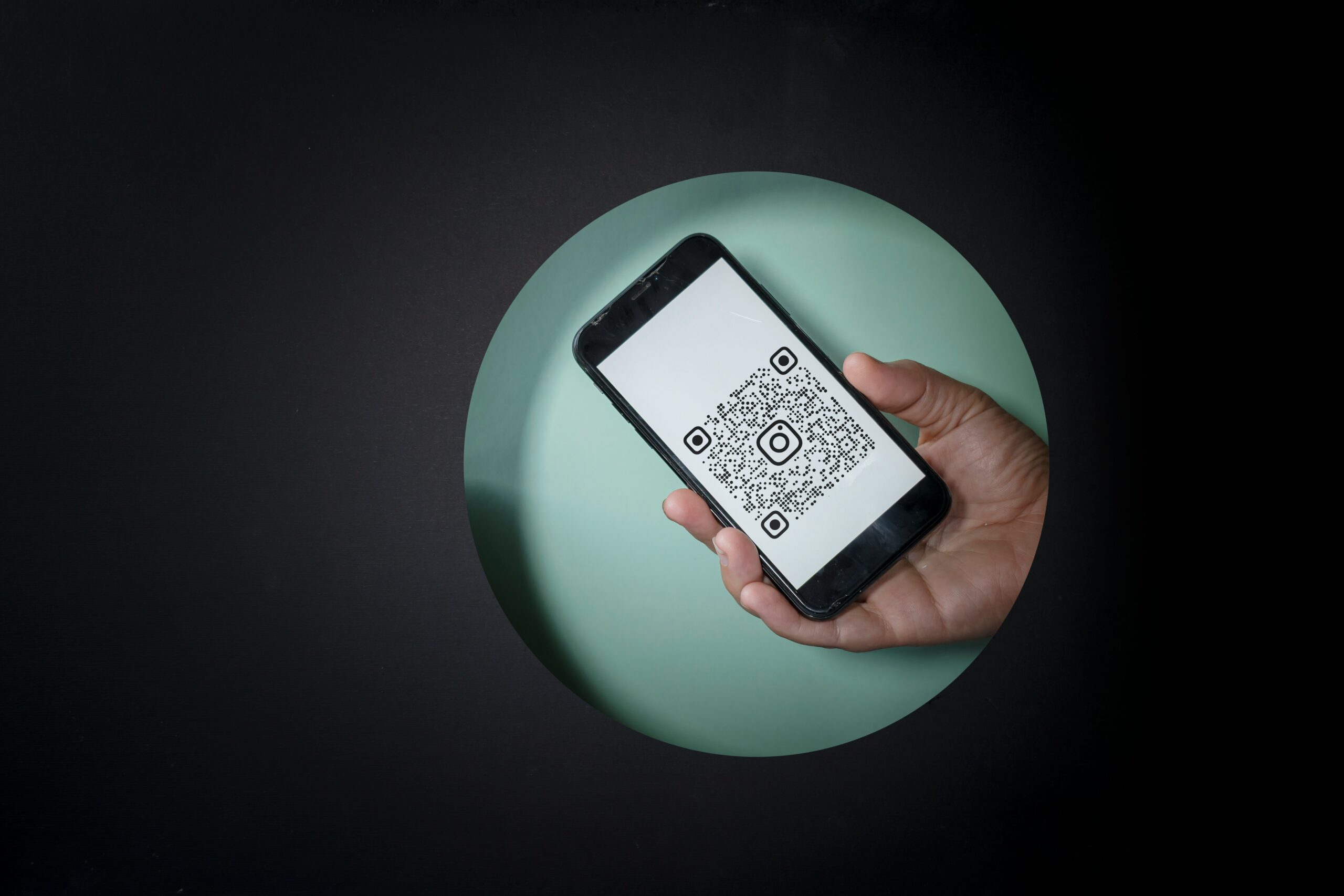
A QR code is basically a link you cannot read until after you open it.
That is convenient. It is also a small security problem hiding inside a black-and-white square.
We trained ourselves to trust the square
The pandemic made QR codes ordinary very quickly.
Restaurants used them for menus. Shops used them for payments and loyalty schemes. Offices used them for check-ins. Event organisers put them on tickets, posters and registration desks. Even people who once avoided scanning anything became comfortable pointing a phone camera at random squares in public places.
Convenience won.
The problem is that a printed web address gives you at least a chance to notice something odd before visiting it. A QR code hides the destination. You usually see the link only after the camera has decoded it, and by then the habit is to tap.
That tiny pause matters.
Scammers do not need to invent a complicated technical attack if they can replace a sticker.
The fake page does not need to be perfect
People imagine phishing pages as badly designed websites full of spelling mistakes.
Some are. Plenty are not.
A fake parking page needs only a few things to look believable on a phone screen: a familiar logo, a field for the vehicle number, a payment form and perhaps a countdown telling you the session will expire. Most users are not conducting a forensic review. They are standing beside a car, possibly in the rain, trying not to get a fine.
Context does half the work for the scammer.
The same applies to QR codes on delivery notices, parcel lockers, event posters or restaurant tables. If the situation already makes sense, people lower their guard.
Here’s the thing. Security advice often assumes users have unlimited attention. Real attacks succeed because people are busy.
Stickers are surprisingly powerful
A malicious QR code does not have to be part of some sophisticated cyber campaign.
Someone can print one.
That is what makes public QR codes awkward. A sticker placed over a legitimate code may survive for hours or days before anyone notices. The victim sees the logo on the sign and assumes the code belongs to it.
I now physically look at public QR labels before scanning them. Is it obviously a sticker placed over something else? Does the code look newer than the sign? Is the surface damaged around it?
This is not a perfect defence. Legitimate codes are stickers too.
But it takes two seconds, and two seconds is better than treating every square as trustworthy because somebody printed it neatly.
Your phone gives you a clue
Most modern phones show the destination before opening a QR link.
Read it.
I know that sounds almost insultingly obvious, but people routinely skip this step. If the domain name looks unrelated to the organisation, contains odd spelling or uses a strange collection of words and numbers, stop.
A restaurant menu might reasonably live on a third-party menu service. A parking company may use a payment provider. So the address will not always match the name on the sign.
That does not mean every unfamiliar domain is dangerous.
It means the moment you are being asked for a password, card number or personal information, the standard should become higher.
If I am only opening a menu, I am relaxed. If the page wants payment details, I want to know where I actually am.
Payment QR codes deserve extra suspicion
QR-based payments can be excellent. They are fast and remove plenty of typing.
They also create an obvious opportunity for replacement scams.
If you are paying a small shop or individual, check the recipient name shown by the payment app before approving the transfer. That screen is not decoration. If you expected to pay “Ravi Electronics” and the app displays a completely unrelated person, do not assume the shop changed bank accounts this morning.
Ask.
The same principle applies to charity posters and donation codes. People are often generous quickly, which scammers know.
The QR code gets you to the payment. The payment screen is where you still have a chance to verify the destination.
A password manager can save you here too
One subtle benefit of password managers is that they usually recognise the real website where a password belongs.
If a fake login page looks like Microsoft, Google or your bank but lives on another domain, your password manager may not offer the saved credential.
That moment of friction is useful.
Do not immediately decide the password manager is broken and manually type the password.
If autofill normally works and suddenly does not, look at the address.
The same goes for passkeys and other login methods that are tied more closely to the genuine site. Better authentication cannot make QR scams disappear, but it can make stolen credentials harder to collect.
The safest QR code is sometimes the one you ignore
If a QR code on an email says you must scan immediately to prevent your account from being suspended, I would be suspicious.
Attackers like QR codes because they can move the user away from the computer where corporate email filters and link scanners may be watching. The phone becomes a separate path.
If the message claims to come from a service you already use, open that service directly. Use the official app or type the known address yourself. Check whether the warning exists there.
Do not let the QR code choose the destination when you already know another way in.
This is a useful habit beyond QR codes, actually.
The code itself is not dangerous. It is just compressed information. The danger comes from the automatic trust we built around it because scanning became normal faster than our suspicion did.
I still scan plenty of QR codes.
I just read where they want to take me now.