
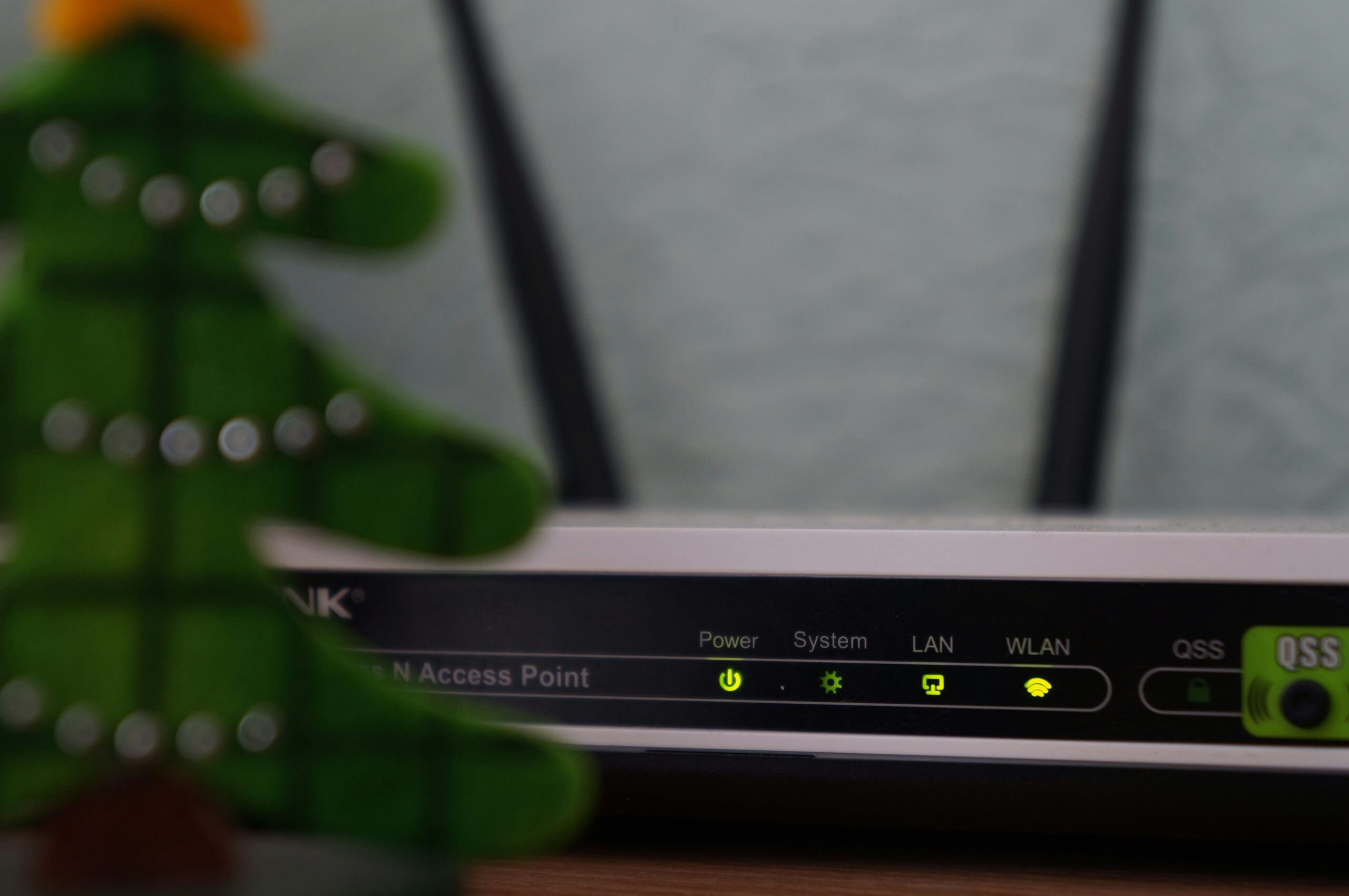
A friend upgraded his home router and immediately ran a speed test.
The number barely changed.
He looked genuinely disappointed. The box had promised much larger numbers, the new router had several dramatic antennas, and yet Netflix still opened at roughly the same speed.
Nothing was wrong.
His internet connection was the bottleneck.
This is the slightly awkward truth about newer Wi-Fi standards, including Wi-Fi 7. A better wireless network can be valuable even when it does not make the number from your internet provider magically increase.
Home networking has spent years being sold as a race for the biggest speed figure. The more interesting improvements are often about what happens when a house has twenty devices, several people are on video calls and somebody decides to download a game update at the worst possible moment.
The internet and Wi-Fi are different problems
People use “Wi-Fi” to mean internet access.
Fair enough in conversation. Technically, they are separate.
Your internet service brings connectivity into the home. Wi-Fi moves data between your devices and the router. If your broadband plan tops out at a certain speed, replacing the router cannot create additional capacity from the provider.
It can remove a local bottleneck.
Maybe the old router struggles at the far end of the apartment. Maybe several devices compete badly. Maybe your laptop supports newer wireless features while the router is stuck on an older standard.
A better router can make those situations smoother even when the external internet plan stays exactly the same.
The benchmark is not always “How high can one laptop go?”
Sometimes it is “Does everyone stop complaining?”
Crowded homes are the real test
A modern home network is ridiculous when you list it.
Phones. Laptops. TVs. Tablets. Game consoles. Speakers. Cameras. Smart plugs. Watches. Maybe a robot vacuum that occasionally sends more network traffic than seems morally necessary.
Then remote work adds video calls and cloud applications. Streaming adds high-quality video. Game downloads are enormous. Backups quietly happen in the background.
Wi-Fi 7 is designed for this denser world, with newer ways to use available wireless spectrum and coordinate traffic more efficiently.
You do not need to memorise the radio terminology to understand the benefit.
The goal is not simply one absurdly fast device. It is a network that remains usable while many things happen at once.
That is less impressive on the box.
It is more impressive at 8:45 p.m.
Your devices need to support it too
Buying a Wi-Fi 7 router does not upgrade every device in your home.
Your old phone will continue using the wireless technology it supports. The new router generally remains compatible with older devices, but they do not suddenly gain all the newer features.
This matters because networking upgrades are ecosystems.
The router changes first. Then phones, laptops and other devices are gradually replaced over several years. Eventually more of the network can take advantage of the newer standard.
That slow transition is normal.
I would not replace a perfectly good laptop simply because a new Wi-Fi logo exists. Hardware marketing has already caused enough unnecessary shopping.
Upgrade when there is a problem worth solving.
Range is not magic either
A newer standard does not repeal physics.
Walls matter. Floors matter. The router hidden inside a metal cabinet because someone disliked its appearance definitely matters.
Higher-frequency wireless bands can offer excellent performance but may have more difficulty travelling through obstacles. That is why placement and multiple access points often matter more than buying the most expensive single router.
If your home has dead zones, a mesh system or properly wired additional access points may solve more than a heroic router positioned badly.
I once saw a high-end router placed behind a television, beside a stack of electronics, at one end of a long apartment.
The owner blamed the internet provider.
The router was basically being punished for interior design.
Wired connections are still annoyingly good
Ethernet refuses to become unfashionable.
For a desktop PC, game console, home server or television that rarely moves, a cable can provide stable performance without competing for wireless airtime.
This is not an argument against Wi-Fi 7.
It is an argument for using wireless where wireless is useful.
Every stationary device moved onto Ethernet leaves more radio capacity for phones, tablets and laptops. In a busy home, that can make the wireless network feel better without changing the router at all.
I understand why people avoid cables. They are ugly, walls are inconvenient and renting complicates everything.
Still, if you are renovating, run network cable.
Future you will be strangely grateful.
The router’s software matters
People buy routers based on speed and antennas, then ignore software.
Security updates matter. A router is the front door through which a large amount of home traffic passes. If the manufacturer stops supporting it, the hardware can remain physically fine while becoming a poor long-term choice.
Look for a vendor with a reasonable update history. Keep automatic updates enabled if they are reliable. Change default administrator credentials. Use modern Wi-Fi security settings.
A fancy wireless standard does not compensate for a router whose firmware was abandoned years ago.
Networking is full of situations where the least visible feature is the important one.
Multi-gig internet makes the question more interesting
Faster fibre plans are becoming available in more places, and that can expose limitations in older home networks.
If your provider delivers more than a gigabit, the router’s internet port, internal switching and wireless capability all start to matter. A speed test on one Wi-Fi device may still not reach the full advertised rate, depending on distance, interference and device hardware.
That is okay.
You are not required to consume the entire connection through one laptop to justify the plan.
Several devices can share it. Local servers can benefit. Large downloads finish faster.
The useful question is whether your real applications feel constrained, not whether a benchmark screenshot is impressive enough for a group chat.
Most people should not rush
If your current Wi-Fi is stable, reaches everywhere you need and handles the household without drama, I would keep it.
Technology does not expire because a newer number appeared.
Wi-Fi 7 makes the most sense for people buying new networking equipment anyway, households with many demanding devices, users with very fast internet plans or anyone dealing with congestion that older hardware cannot handle well.
For everybody else, waiting is sensible. More compatible devices will arrive. Prices will settle. Your existing equipment will eventually give you a reason.
My friend kept the new router, by the way.
The speed-test number did not change much, but his video calls stopped freezing when someone else downloaded a game.
After a week, he stopped talking about the benchmark.